Real phone speaker
The sound comes out of the phone’s own speaker. No emulation.
MARS turns your phone into a speaker for your Mac. Plug it in over USB, choose MARS as the output in Pro Tools or any DAW, and hear your mix live on the phone’s own speaker. For Android, iPhone and iPad.
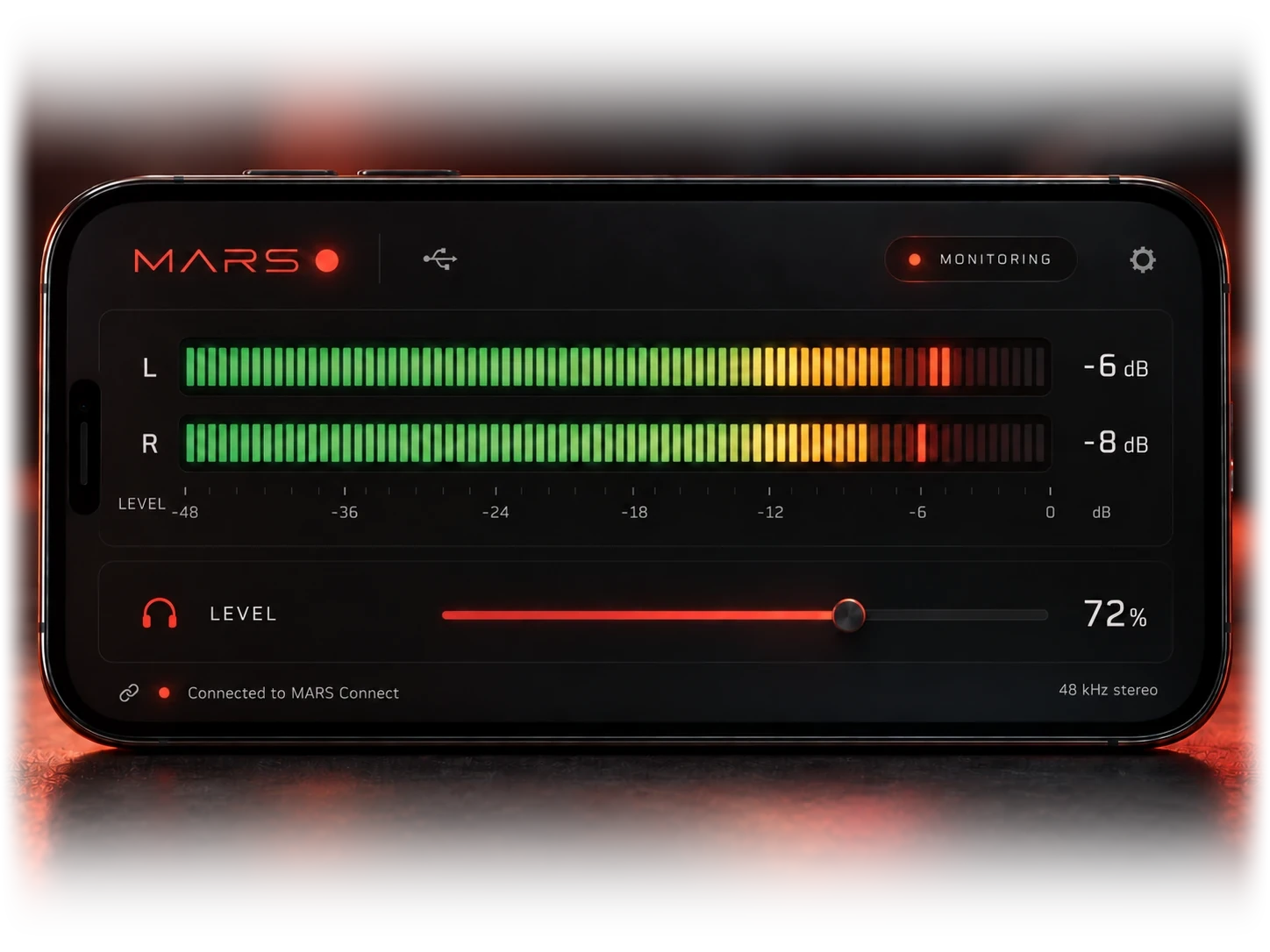
The sound comes out of the phone’s own speaker. No emulation.
Ultra low latency: you hear every change as you make it.
No bouncing, no files to send to the phone. Just press play.
A focused utility built for engineers, mixers and producers.
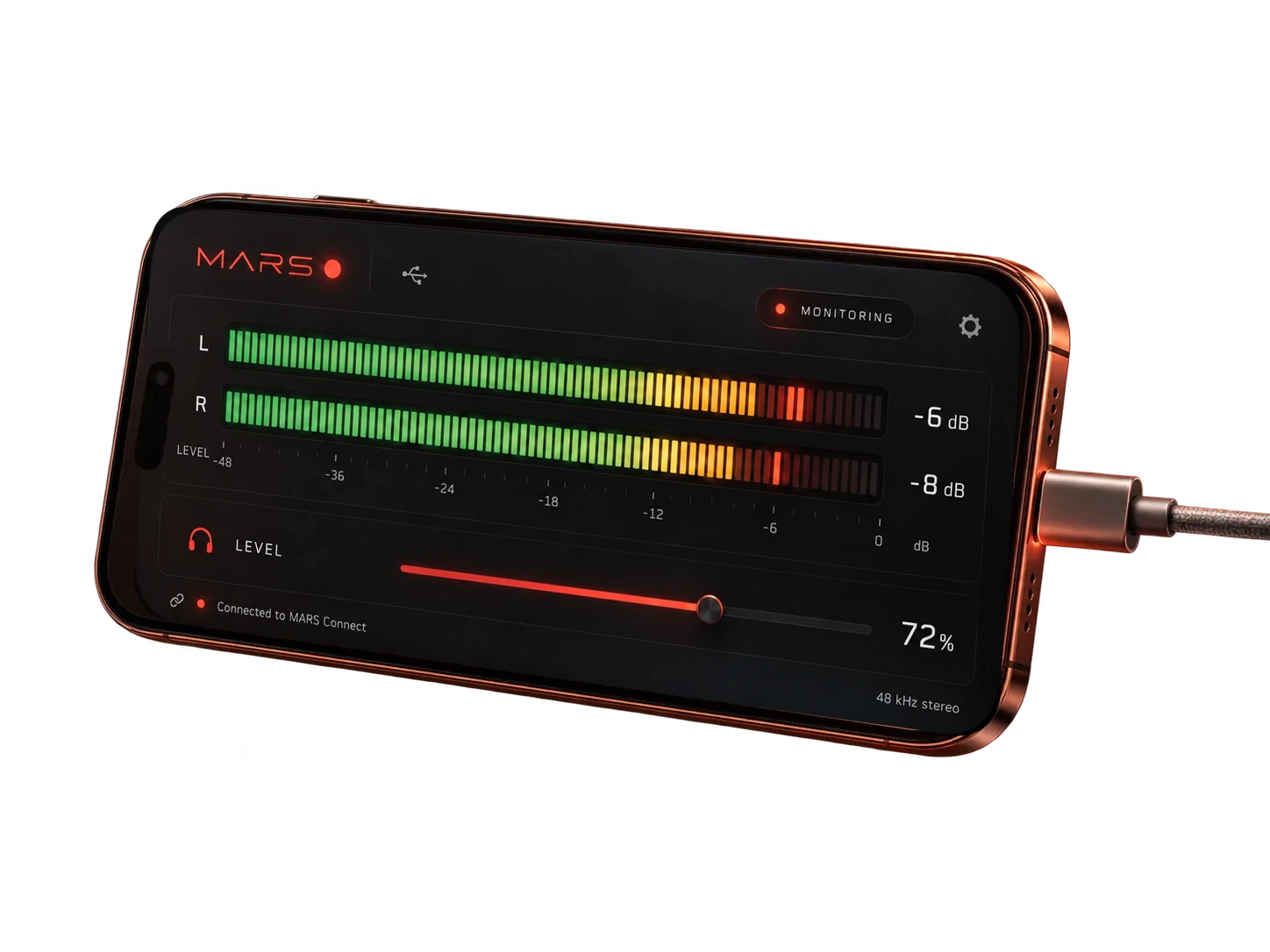
Install MARS Connect for Mac, then plug in your Android phone, iPhone or iPad with a USB data cable. Open MARS on it and you are ready to monitor.
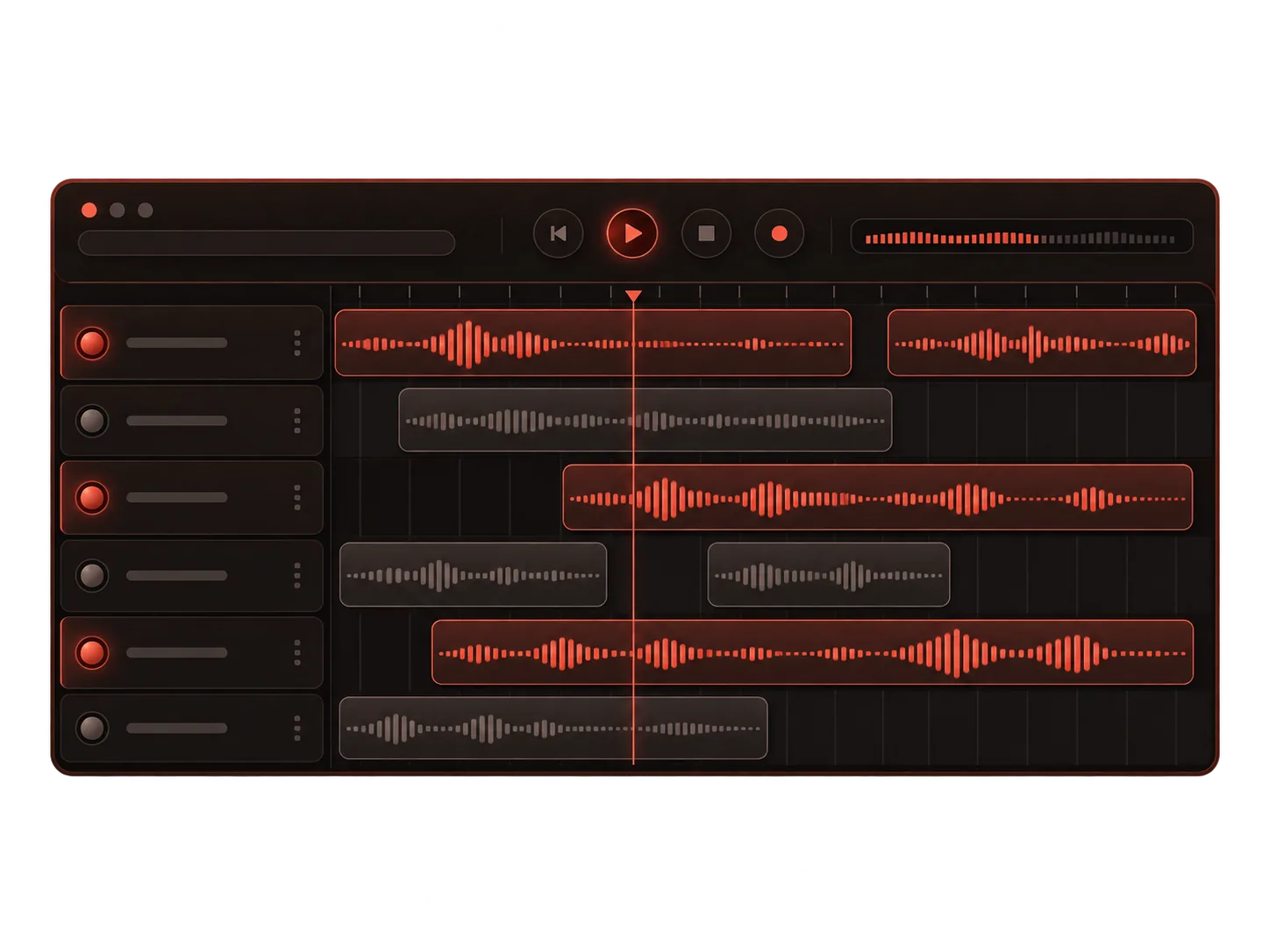
In Pro Tools, Logic or any other app, choose MARS as the audio output, like any other speaker.
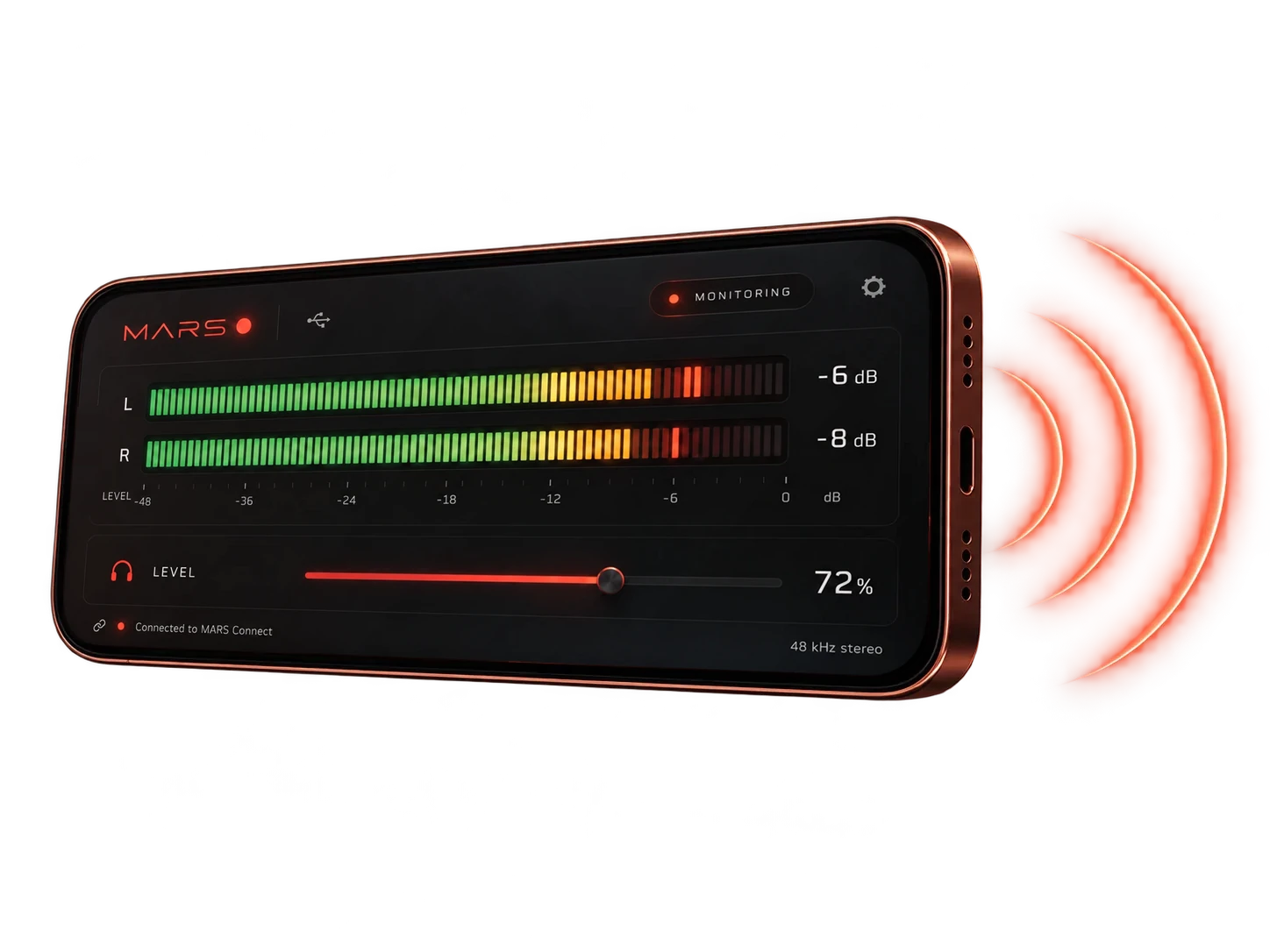
Listen in real time through the phone’s built-in speaker. No emulation — just the device your audience uses.
A mix has to sound right everywhere, so you check it on every kind of speaker, from big monitors to the worst little ones. The phone is the one most of your audience will use. MARS puts it next to your monitors: switch to it while you mix, in real time, without bouncing a file.
PRO TIPFor the full MARS experience, take the phone to the bathroom and sit down. Let’s be honest: that’s where a good part of your audience hears your work, through this very speaker, in a small room of hard, echoing tiles. If your mix survives that, it survives anything.
Whatever you mix, it still has to work on a phone.
Mixing, mastering, streaming releases.
Movie mixes, soundtracks, broadcast events, streaming platforms.

Commercials, branded content, client work.
YouTube, social media, podcasts, short-form video.
MARS works fully offline. Nothing that goes through it is collected, stored or heard by anyone else. Read the privacy policy
The Android app has no internet permission, the iPhone and iPad app makes no internet connections, and MARS Connect never goes online.
Audio travels over the USB cable from your Mac to your phone or iPad. No cloud, no servers.
Audio plays live and is never recorded, stored or copied, on the Mac or on the phone or iPad.
No account, no analytics, no ads, no tracking. No one else can listen in.
Two free apps and a USB cable: MARS on your phone or iPad, MARS Connect on your Mac.
Turn your Android phone into a real-world reference speaker. Android 7.0 or later, with a Mac over USB or an audio interface connected to the phone.
◆ Get it on Google Play →Turn your iPhone or iPad into a real-world reference speaker. iOS or iPadOS 16 or later, with a Mac over USB.
◆ Get it on the App Store →The companion app on your Mac: it adds a MARS output to Pro Tools or any DAW and sends it to your phone or iPad over USB. macOS 13 or later, universal for Apple silicon and Intel.
◆ Download MARS Connect →New to MARS? Read the user manual (PDF, English, 0.4 MB)
MARS is free. If it helps your work, you can buy me a beer.